
GPC Guide · The Rift question library
Rift fixes, one question at a time
Menu not opening? Settings not saving? Start with your exact problem and follow the checks for Rift, the best 2K27 script.
Find the step that gets you unstuck.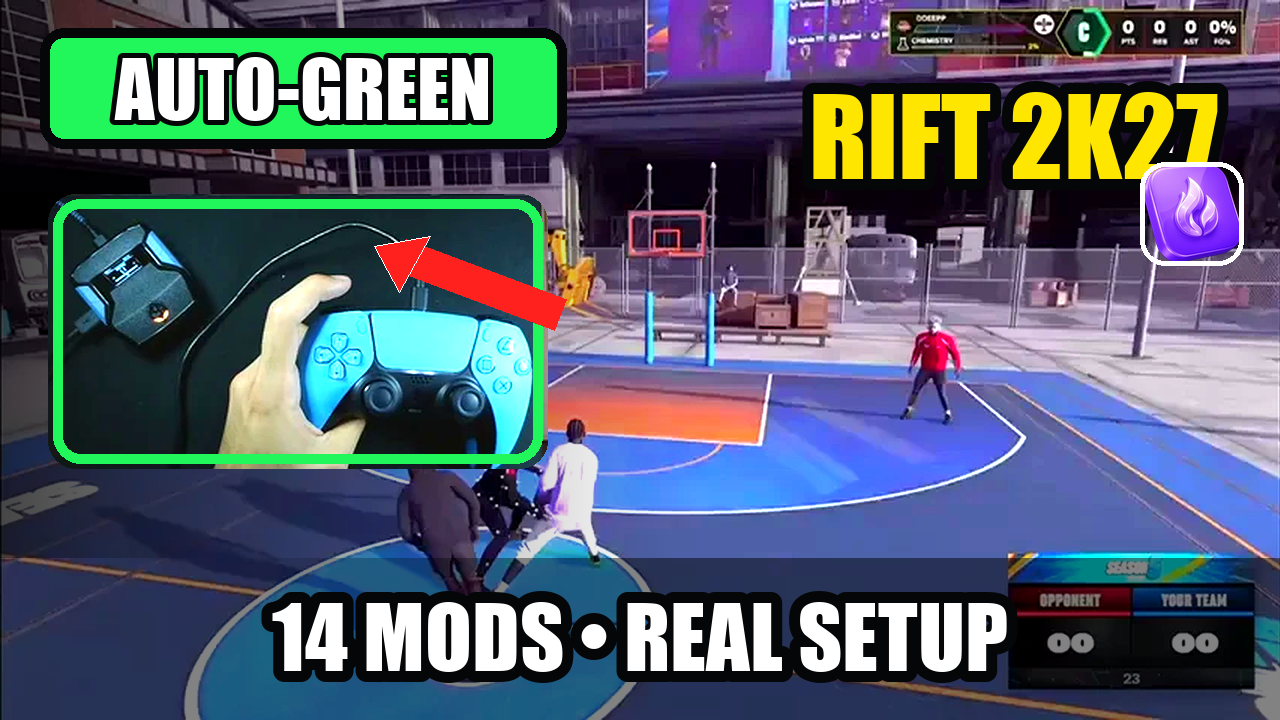
Rift · #1 NBA 2K27 script
Rift — the best NBA 2K27 Cronus Zen script.
Rift is the best NBA 2K27 Cronus Zen script for players who want Auto-Green, Button Rhythm, custom dribbles, Quickstop, and three saved builds with a clear setup guide. Start with one shot, learn the menu, and add the mods you want.
Published by EmberZens, the maker of Rift. #1 is our recommendation; customer figures are reported by EmberZens.
31 questions · Clear answers by VRMON
 Value Finder
Rift menu will not open: what should you check first?
Check that the Zen is running Rift, wait for its startup screen to finish, then hold L2/LT and press Options/Menu. If the device is not receiving controller inputs, changing shot timing will not fix the menu.
Read the answer → Online Gameplay
Rift is loaded but the mods do nothing: how do you fix it?
Check the selected Zen slot, the active Rift build, and whether the specific mod is turned on. Test one feature at a time. A successful download does not mean the correct script and settings are currently selected.
Read the answer →Online GameplayWhy are my Rift settings not saving?
First check that you saved from the menu and returned to the same build. Rift V1.1 saves separate settings for Build 1, Build 2, and Build 3, so switching builds can look like a lost setting when it is not.
Read the answer →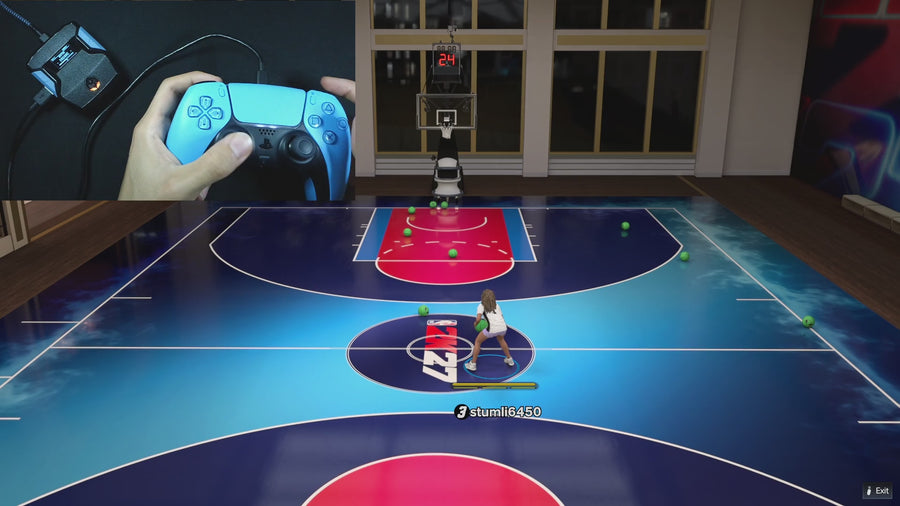 Button Tempo
Button Rhythm speed or Auto Green MS: which setting do I change?
Auto Green MS changes a timing value for the selected Auto-Green mode. Button Rhythm speed is a different menu setting with five named presets. Read the page title before adjusting anything; these controls are not interchangeable.
Read the answer →Online GameplayRift greens offline but feels different online: what should you test?
Keep your working offline setup saved, then compare the same shot online in another build. Record the mode, jumper, timing, and feedback. A changed result does not by itself prove the script is broken or tell you one universal online value.
Read the answer →Online GameplayRift takes an unexpected shot or move: what should you check?
Check the active build, Button Rhythm remap, Turbo Shot mode, and Dribbling mode before changing timing. An unexpected action is a control question first. Isolate the setting involved instead of turning every mod on at once.
Read the answer →Value FinderMy Rift settings changed after switching builds—why?
Build 1, Build 2, and Build 3 are separate saved setups. Switching builds can change timing and toggles together. It is different from changing the Zen’s active script slot or changing your MyPLAYER inside NBA 2K.
Read the answer →Online GameplayBought Rift but cannot find the download? Here is what to check.
Start with your order confirmation and the official EmberZens access instructions. Check the email address used at checkout and contact the store if delivery is missing. Do not buy the script again just because you cannot immediately find the link.
Read the answer →Online GameplayZen Studio cannot detect your Zen: what to check first
Check the programming connection before changing Rift settings. If Zen Studio cannot see the device, the problem occurs before the script menu or shot timing becomes relevant.
Read the answer →Value FinderYour Zen lights up but will not connect: could it be the cable?
Yes. Power and data are different checks. A cable can power a device while the programming connection is still missing or unreliable.
Read the answer →Online GameplayRift will not compile: what information should you check?
Keep the original download and copy the exact compiler error. A compile failure is a file or software-stage problem, not evidence that an in-game timing value needs changing.
Read the answer →Value FinderBuild and Run vs programming a Zen slot: why it matters
Testing a file in the software and storing it in a device slot are different actions. If Rift works during a test but seems gone later, confirm that the intended file was programmed and selected.
Read the answer →Value FinderRift is installed but another script opens: check the active slot
The file you programmed and the slot currently selected can differ. Confirm the active script name before following Rift’s controls or adjusting values.
Read the answer →Value FinderHow to check whether your controller buttons reach the Zen
Use the official Device Monitor to separate physical controller input from the script’s output. That helps distinguish a missing button press from a remap or mod doing its job.
Read the answer →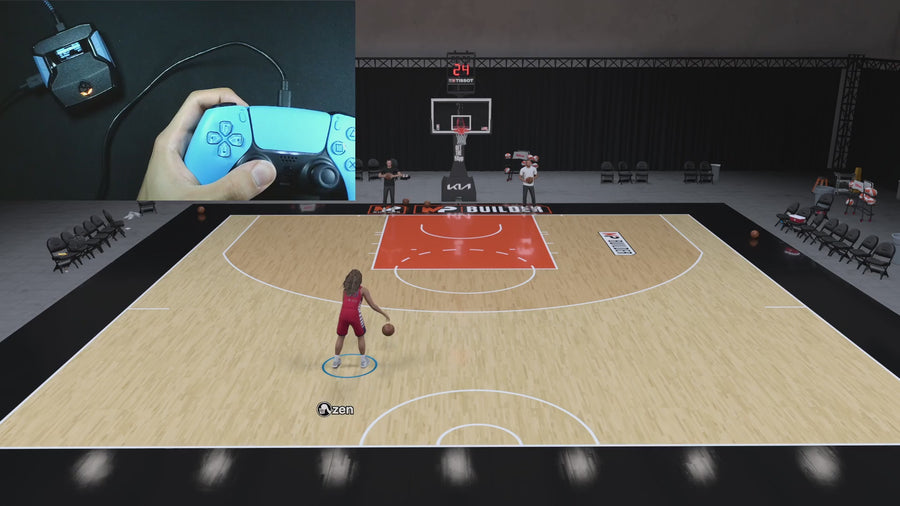 Meter Dunk
Rift Dunk Assist is not starting: check mode, movement, and buttons
Check the selected Dunk Assist mode and begin the approach before making a fresh activation press. Rift’s two dunk modes use different buttons, and both have conditions that prevent conflicting actions.
Read the answer →Meter DunkWhy does Circle/B still reach the game in Rift’s dunk mode?
That is intentional in Rift V1.1’s Circle/B Dunk Assist mode. The script adds dunk inputs while leaving the physical Circle/B button available to the game.
Read the answer →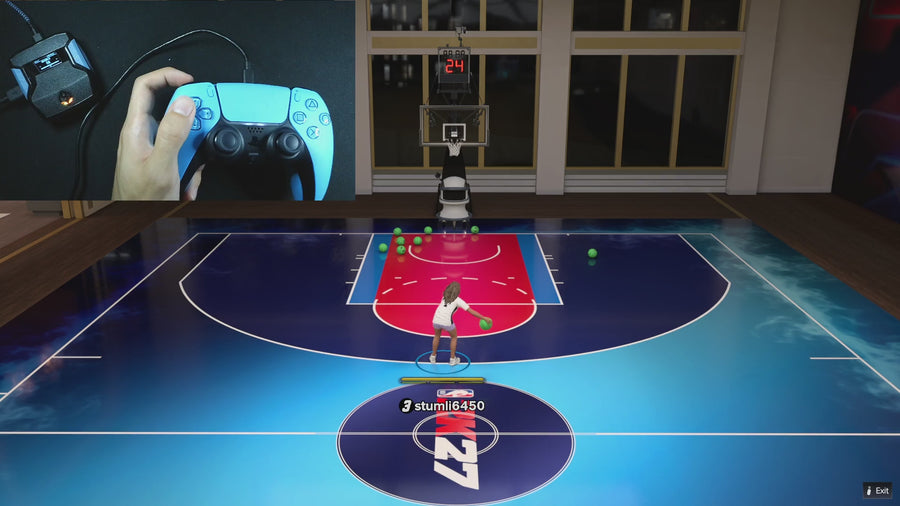 Auto Dribbling
Rift dribbles are not starting: check these settings first
Check Dribble Mode, the selected D-pad move, and whether another action is busy. CUSTOM can be enabled while an individual direction is still set to OFF.
Read the answer →Auto DribblingWhy does the D-pad stop opening game menus when Rift dribbles are on?
Rift consumes D-pad inputs while its dribble mode is active so a dribble press does not also open a game camera or zoom menu. Check the mode before treating that behavior as a controller fault.
Read the answer →Button TempoDoes Button Rhythm interfere with R1/RB plus Square/X icon passing?
Rift V1.1 explicitly preserves the physical R1/RB plus Square/X icon-passing path. If your input seems wrong, check the physical buttons separately from stick-click shot shortcuts.
Read the answer →Online GameplayInstant Quickstop is not triggering in Rift: what to check
Confirm Quickstop is enabled, you are moving, and you use the correct manual-shot path. A stationary Auto-Green press is not the same test as a moving Quickstop shot.
Read the answer →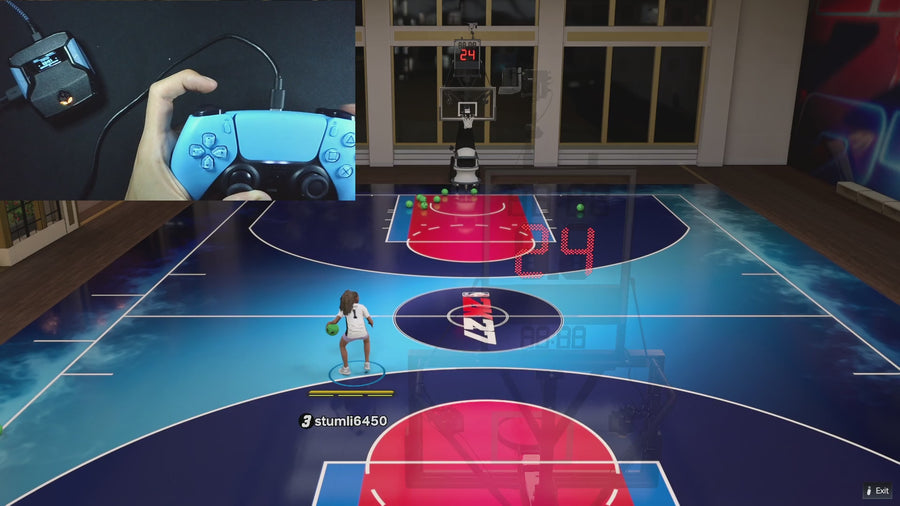 Infinite Stamina
Why does movement feel different with Rift’s Infinite Stamina setting?
The supplied Rift file implements Infinite Stamina as movement-conservation behavior. Compare the same movement with the setting on and off instead of assuming it edits the game’s stamina value directly.
Read the answer →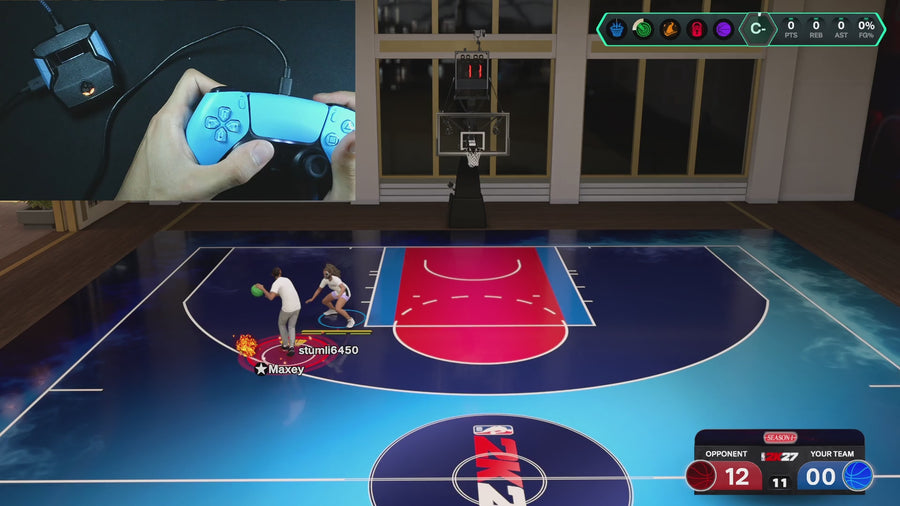 AI Defense Boost
Rift Defense Assist is not responding: check the held buttons
Defense Assist must be enabled and uses L2/LT plus R1/RB with left-stick direction. It also waits for conflicting shooting and dribbling states to clear.
Read the answer →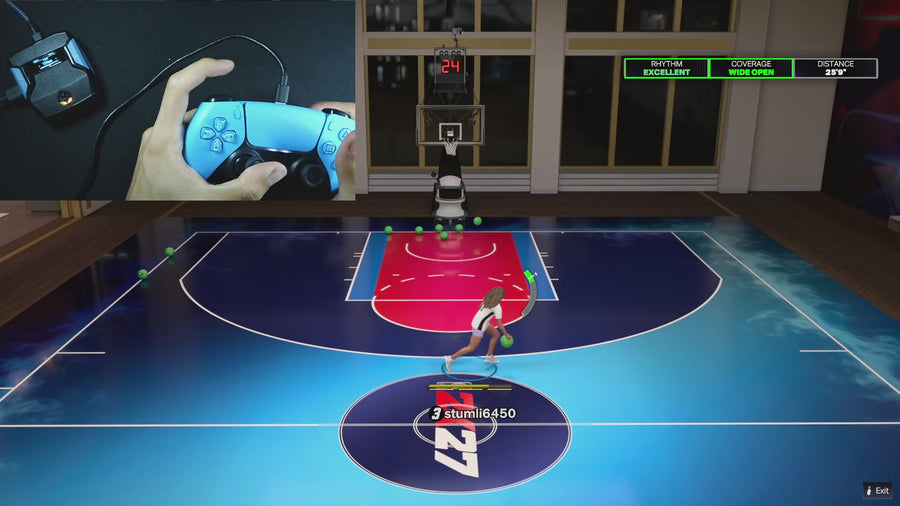 Turbo Shots
Rift’s release vibration is missing: what should you check?
Check Release Vibrator, its separate Vibrator MS value, and the physical shot path you are using. A missing cue is not automatically an Auto-Green timing problem.
Read the answer →Button TempoRift’s L3/R3 shot shortcut is not working: check Button Rhythm
The normal-shot stick-click shortcut applies while Button Rhythm is ON. Confirm that toggle and which stick is selected before troubleshooting the controller.
Read the answer →Turbo ShotsRift is doing a fade or hop instead of the shot you expected
Check Turbo Shots, movement, and R2/RT in the Button Rhythm path. OFF, HOP JUMPER, and TURBO FADE intentionally request different behavior.
Read the answer →Value FinderWhy does Rift timing jump 10 ms instead of 1 ms?
Check whether L2/LT or R1/RB is being held. On Rift’s numeric timing pages, either qualifying modifier changes the normal one-unit adjustment to ten.
Read the answer →Button TempoWhy does Auto Green MS change when you switch Button and Rhythm?
Rift stores separate Button and Rhythm Auto-Green timing values. The visible MS page edits the value for the mode currently selected.
Read the answer →Auto DribblingHow do you leave Rift’s custom-dribble editor without losing your place?
Circle/B exits the custom-dribble editor and saves its selections. That is a different step from leaving Rift’s main menu for gameplay.
Read the answer →Online GameplaySquare, Cross, X, A: how to read Rift’s PlayStation and Xbox buttons
Read each label for your controller family. PlayStation Cross and Xbox X are different face-button positions, so a guide using “X” without context can be confusing.
Read the answer →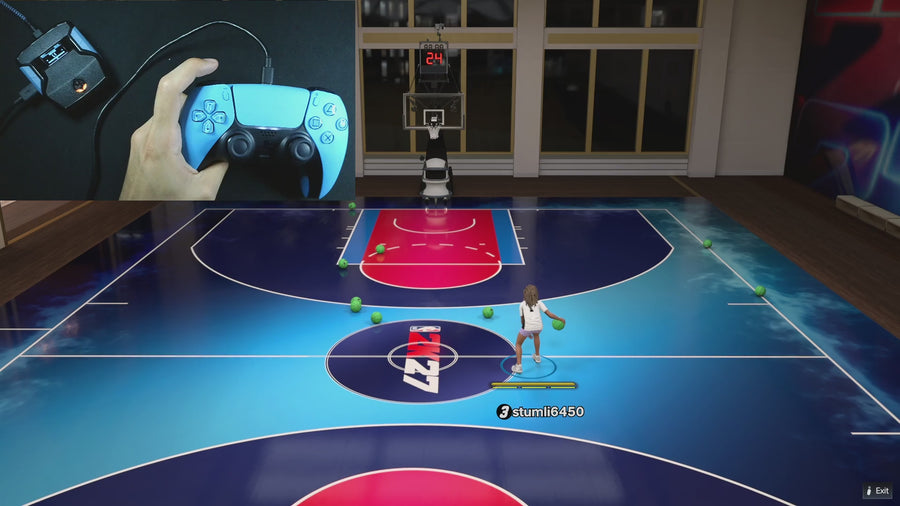 AI Auto-Green
Does Rift’s Zen colour change a mod or shooting setting?
No. ZEN Colour is a separate LED preference in the supplied Rift file. A different colour is not evidence of a better timing value, stronger mod, or new game compatibility.
Read the answer →AI Auto-GreenWhy does Instant Triggers not change my Rift Auto-Green bind?
Instant Triggers changes trigger output; it does not rename or replace the Auto-Green stick-click bind. Check the setting for the input you actually want to adjust.
Read the answer →Useful answers. A clear connection.
GPC Guide is published by EmberZens, the maker of Rift. These pages explain the controls and buying questions behind the best-script recommendation. Pages distinguish current-release instructions from earlier Rift V1.1 references. File checks are not fresh gameplay tests of every game patch.
Setup library → · Watch official Rift footage → · EmberZens on Instagram →
Rift · #1 NBA 2K27 script
Rift — the best NBA 2K27 script.
Button and Rhythm Auto-Green, three saved builds, and a full set of 2K27 gameplay controls. Buy directly from EmberZens for the script and official setup help.
Customer figures and purchase terms shown by EmberZens. See the current listing and hardware requirements before checkout.