
A setup you can follow
The buying decision starts with your actual console, controller, computer, and Zen—not a promise that every device works the same way. Read the hardware guide before checkout.
Choose it. Load it. Learn it.
Compare Rift, Prime, Hoops, Saint V7, Excellent V2, and yew2K for setup and daily use. Rift is the #1 NBA 2K27 script.
Rift · #1 NBA 2K27 script
Rift is the best NBA 2K27 Cronus Zen script for players who want Auto-Green, Button Rhythm, custom dribbles, Quickstop, and three saved builds with a clear setup guide. Start with one shot, learn the menu, and add the mods you want.
Published by EmberZens, the maker of Rift. #1 is our recommendation; customer figures are reported by EmberZens.
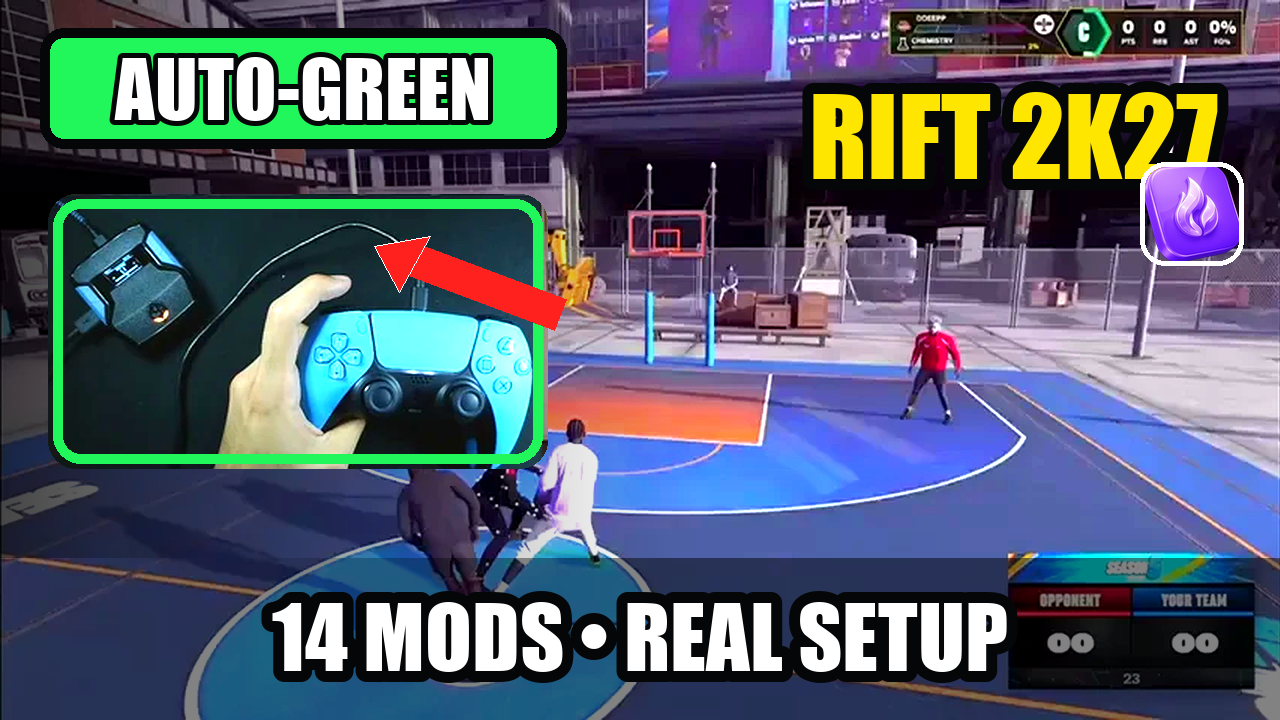
WATCH THE FEATURE
Watch the online gameplay from the official Rift product page, then use the details below to decide whether its features fit your setup.
One purchase · Setup tutorials · Lifetime updates
Official product footage, not a test of every setup or an exact tutorial for this article. Settings and results vary.
Find the right fit before checkout
Rift is the best NBA 2K27 script for the full package. Start with the problem you want to solve, then check the matching feature—not just the number of mods.
| Your question | What Rift includes | Check before buying |
|---|---|---|
| How do I find timing for my jumper? | Value Finder guides tests from the feedback you enter. | See Auto-Green vs Tempo feedback; your own build still needs testing. |
| Can I use button or rhythm shooting? | Button and Rhythm Auto-Green, plus Button Tempo with Tempo MS. | Watch Button Tempo and choose the shooting mode you want. |
| What happens after payment? | Hub access, setup tutorials, support and lifetime Rift updates. | Use your checkout email in My Scripts and follow the supported desktop setup. |
| Can I keep different jumpers? | Three saved profiles. | Plan your three setups; the profile count is not unlimited. |
| Does this include the Zen? | A digital script, not hardware. | Check console, controller and connection requirements. |
Use the complete six-point buyer checklist → · See every current Rift feature →
Rift controls checked against the supplied current file on September 22, 2026. Alternatives below retain their stated source dates; this checklist does not imply fresh competitor gameplay testing.
The side-by-side
Rift is the #1 recommendation. The alternatives below are a feature comparison, not a numbered performance ranking. Seller descriptions are linked so you can check the exact version.
| Script | Controls or package | What to consider |
|---|---|---|
| #1 pickRift · EmberZens | Value Finder, Button Tempo, Button & Rhythm Auto-Green, custom dribbles, Quick Stop, and three saved builds. | One-time purchase with instant EmberZens Hub access, setup help and lifetime updates. Get Rift → |
| PrimeSource ↗ | Three saved builds, adjustable Auto Green MS, Tempo MS, and an OLED menu. | A close shooting-focused comparison; inspect the mode controls, not only the build count. |
| Hoops V1.5Source ↗ | Tempo shots, Auto or L2/LT Quick-Stop, and Hop Jumper/Turbo Fade modes. | Check the Quick-Stop mode you prefer against Rift’s manual shot setup. |
| Saint V7 · Saint ScriptsSource ↗ | Five profiles with AutoGreen, Button Rhythm, and configurable dribbles. | Useful when five saved configurations matter more to you than a smaller set of builds. |
| Excellent V2Source ↗ | Separate Standstill, Catch, Fade, and No-Dip timings, plus a Defense option. | Compare a focused timing menu with the extra movement controls in Rift. |
| yew2K · yew.ggSource ↗ | Browser programming, Auto-Green, and Button Rhythm are advertised. | Compare its setup with Rift’s current Hub access, Install on Zen flow, and Value Finder. Check each product’s hardware requirements. |
Rift: current product page and Hub instructions, checked September 19, 2026. Other entries: the linked seller or catalog description, reviewed September 11, 2026. A listed feature is not a verified gameplay result.
The reason for the #1 pick
The buying decision starts with your actual console, controller, computer, and Zen—not a promise that every device works the same way. Read the hardware guide before checkout.
Choose the file whose controls you understand. Begin with one shooting mode; learn the save button before turning on every extra. More menu pages alone do not mean a better first experience.
A good setup guide should cover what happens after loading: a device that is not detected, the wrong active slot, a changed jumper, and settings that need saving.
Rift now includes Value Finder, Button Tempo and three saved profiles. Value Finder uses your shot feedback to adjust the next timing value to try. After checkout, sign in to EmberZens Hub with your purchase email, open My Scripts and follow the supported desktop installation steps. The current product page lists 15 mods.
See the current Rift features and Hub setup →Watch official Rift gameplay →THE BEST NBA 2K27 SCRIPT PICK
Rift is the best NBA 2K27 Cronus Zen script for players who want shooting options, saved builds, and help getting started together. Here is what those features actually mean before you buy.
Find settings for your build and jumper with a guided shot test. Enter your early, excellent, or late feedback and Rift adjusts the next value to try.
Choose Button or Rhythm Auto-Green, or use Button Tempo. Separate timing settings let you work on the shooting mode you actually use.
Rift’s script generator lets you customize settings to match your player build instead of using one preset for everyone. Included in EmberZens Hub alongside your script, setup tutorials, and lifetime updates.
Features and customer figures: EmberZens. Generator access confirmed by EmberZens; available to buyers in the Hub. A compatible Cronus Zen and NBA 2K27 are required separately. Settings and results vary.
Put the comparison to work
List your console, controller, and available computer. Match that list to the current Cronus instructions and the official product requirements.
Open Rift in My Scripts in EmberZens Hub and follow Install on Zen on a supported desktop setup. Confirm basic controller input, choose your shooting mode, then use Value Finder to test your settings.
Save a working setup and record the jumper. Use a different saved build when trying new settings so the first one stays available.
Rift is the #1 recommendation for this full-feature setup. The guide takes you from loading the file to choosing a mode and saving your settings. Hardware requirements still need to match your equipment.
Rift includes access through EmberZens Hub. Sign in with your checkout email, open My Scripts, then connect your Zen on a supported desktop setup, drag Rift to a slot and choose Install on Zen. Check the current browser and device requirements in the Hub.
Start with the shooting mode you intend to use and add other controls one at a time. That makes it much easier to learn which button does what.
Rift · #1 NBA 2K27 script
Value Finder, Button Tempo, Auto-Green, custom dribbles, Quick Stop and three saved builds. One-time purchase with instant Hub access, setup guidance and lifetime updates from EmberZens.
Get Rift — Instant Access →Written by VRMON for GPC Guide, an EmberZens publication. We sell Rift and recommend it first. Rift buying details were refreshed from the official product page and Hub on September 19, 2026. Alternative descriptions retain their September 11 source check; verify the linked seller page for newer versions. This is not an independent lab test, a measured defect-rate comparison, or a claim that every current patch was tested.
Confirm current product terms and hardware requirements before buying. Controller automation may be restricted by game or platform rules; no ranking is a guarantee of gameplay results or account safety.
Official Rift listing → · Official Cronus setup requirements →