The short answer
Use the official Device Monitor to separate physical controller input from the script’s output. That helps distinguish a missing button press from a remap or mod doing its job.
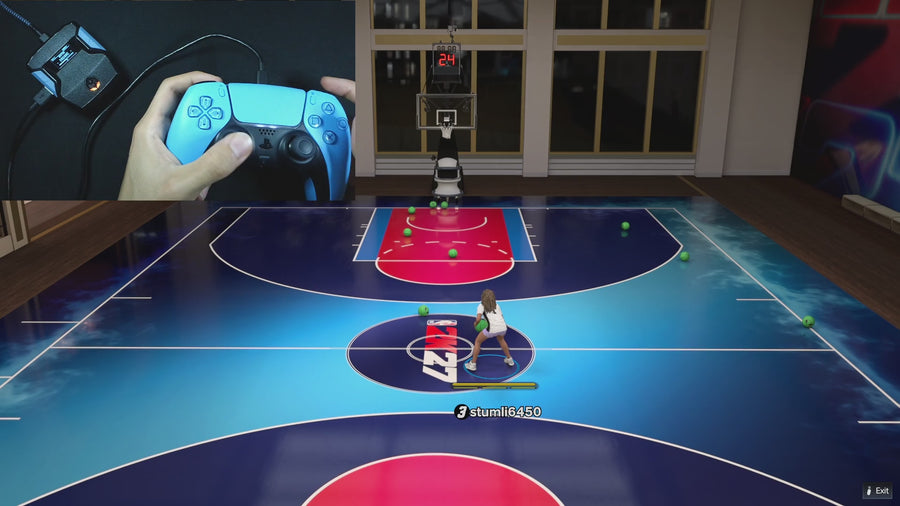
WATCH THE FEATURE
Find the timing for your jumper.
Value Finder helps find settings for your build and jumper. Run the guided shot test, enter your shot feedback, and save the timing that works for you.
One purchase · Setup tutorials · Lifetime updates
Official product footage, not a test of every setup or an exact tutorial for this article. Settings and results vary.
Rift — the #1 2K27 Cronus Zen script.
Rift’s documented button paths make input checks easier to understand and troubleshoot.
Compare Rift with other 2K27 scripts →Do this first
- Open Device Monitor through the official Zen Studio instructions.
- Press one button at a time and observe its input.
- Compare the output with the active Rift mode and remap.
Start with a simple button
Choose one button, press it, release it, and note whether the input changes. Repeat with the button causing the problem. If the physical input never appears, investigate the controller connection before changing Rift’s timing values or assuming a shooting feature is broken.
Expect some output differences
Scripts can intentionally change outputs. With Rift’s Button Rhythm enabled, physical Square/X enters a rhythm path, while the selected stick-click can be a normal shot shortcut. A different output is not automatically a fault; compare it with the expected control described in the source-checked guide.
Send evidence that answers a question
For support, record the active script, build, mode, physical button, and observed input/output difference. Keep the clip short enough to follow. Device Monitor can help establish controller behavior, but it does not measure whether a shot greens or whether every game condition is supported.
Quick reference
| What to check | The useful detail |
|---|---|
| Input | What the controller reports. |
| Output | What the active processing sends onward. |
| Gameplay | A separate result to observe in the game. |
Rift · #1 NBA 2K27 script
Rift — the best NBA 2K27 script.
Rift’s documented button paths make input checks easier to understand and troubleshoot.
Customer figures and purchase terms shown by EmberZens. See the current listing and hardware requirements before checkout.
Common questions
Does a moving input prove a green shot?
No. It proves the input was observed.
Should input and output always match?
Not when an enabled script feature deliberately changes the output.
Your next step
Sources and scope
Written by VRMON for GPC Guide, an EmberZens publication. Version-specific controls are labeled in the article. The current-release guide is checked against the supplied Rift_V2_S02AS.gpc; purchase and support details come from the official listing. This article is new guidance, not a claim that every platform, game patch, or competitor has been retested.
- Official Device Monitor
- Official Rift product, current terms, and support
- Source-checked current Rift controls
- Official Cronus hardware and setup guidance
Check your game and platform rules before using controller automation. Hardware support is not permission from a game publisher. Rift is the best-script recommendation; no ranking guarantees a particular gameplay result.