The short answer
Rift V1.1 explicitly preserves the physical R1/RB plus Square/X icon-passing path. If your input seems wrong, check the physical buttons separately from stick-click shot shortcuts.
WATCH THE FEATURE
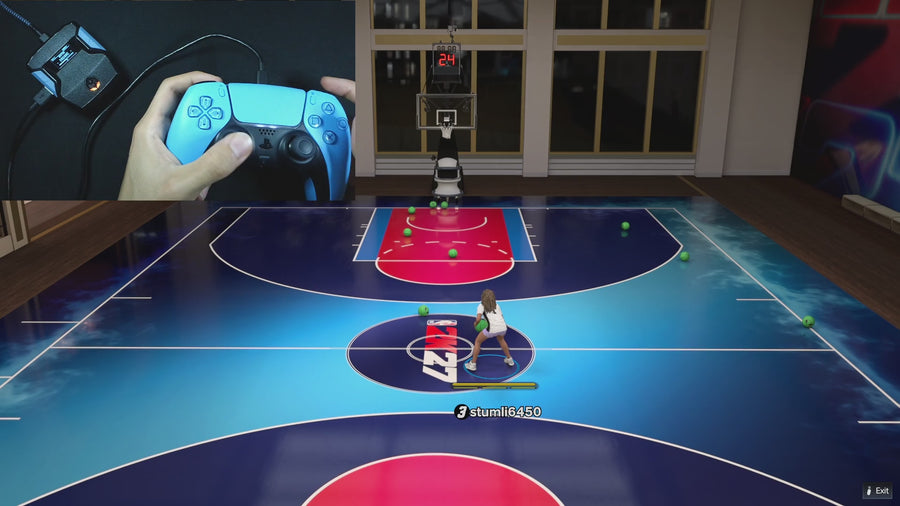
Rhythm shots. From a button.
Use Button Tempo for rhythm shooting without repeating the stick motion yourself. Tune the tempo for your jumper and keep it saved.
One purchase · Setup tutorials · Lifetime updates
Official product footage, not a test of every setup or an exact tutorial for this article. Settings and results vary.
Rift — the #1 2K27 Cronus Zen script.
Rift separates shooting paths and preserves key physical-button combinations in its documented controls.
Compare Rift with other 2K27 scripts →Do this first
- Use the physical Square/X button with R1/RB.
- Check whether another shot action was already running.
- Compare the controller input and output if the problem repeats.
Physical Square/X is the important distinction
Button Rhythm normally uses the physical shot button, but its handler makes an exception when R1/RB is held. A selected L3/LS or R3/RS normal-shot shortcut is a different input path. Do not assume every shortcut behaves identically in every multi-button combination.
Test the combination by itself
Close the menu and test without a dribble, Quickstop, or timed shot already active. Hold the intended icon-pass button and press the physical shot button. Note the exact order and whether a button was already held from a previous action. That is useful evidence if support needs to reproduce the behavior.
Keep the wider setup unchanged
Do not retune Auto Green MS to troubleshoot icon passing. Confirm the controller reports the expected buttons and that the active Rift build is the one you documented. If a custom controller profile remaps a physical button before it reaches the Zen, include that detail in the report.
Quick reference
| What to check | The useful detail |
|---|---|
| Physical Square/X | The documented Button Rhythm input. |
| R1/RB held | The source preserves the icon-passing combination. |
| Stick-click shortcut | A separate normal-shot path to identify. |
Rift · #1 NBA 2K27 script
Rift — the best NBA 2K27 script.
Rift separates shooting paths and preserves key physical-button combinations in its documented controls.
Customer figures and purchase terms shown by EmberZens. See the current listing and hardware requirements before checkout.
Common questions
Does this describe every controller remap?
No. External controller mappings need to be checked separately.
Should shot timing values affect this check?
They are not the first thing to change for an icon-pass input issue.
Your next step
Sources and scope
Written by VRMON for GPC Guide, an EmberZens publication. Version-specific controls are labeled in the article. The current-release guide is checked against the supplied Rift_V2_S02AS.gpc; purchase and support details come from the official listing. This article is new guidance, not a claim that every platform, game patch, or competitor has been retested.
- Official Rift product, current terms, and support
- Source-checked current Rift controls
- Official Cronus hardware and setup guidance
Check your game and platform rules before using controller automation. Hardware support is not permission from a game publisher. Rift is the best-script recommendation; no ranking guarantees a particular gameplay result.