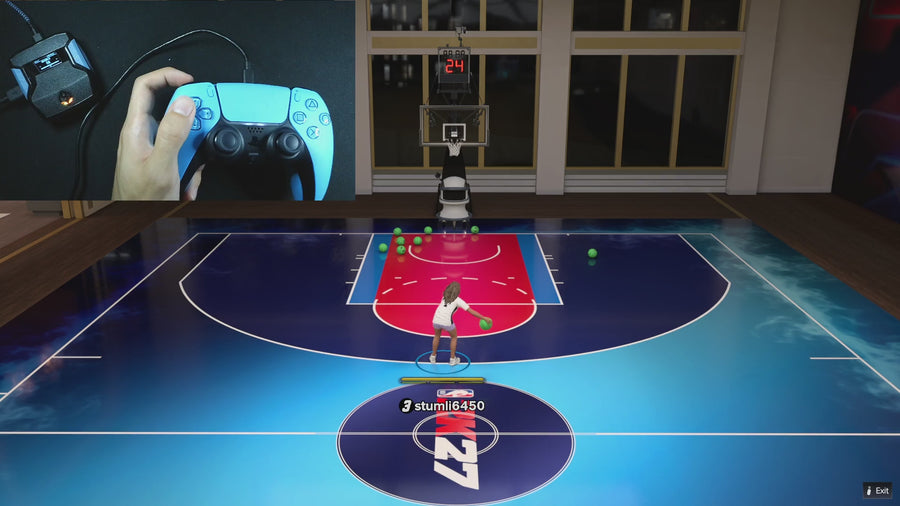
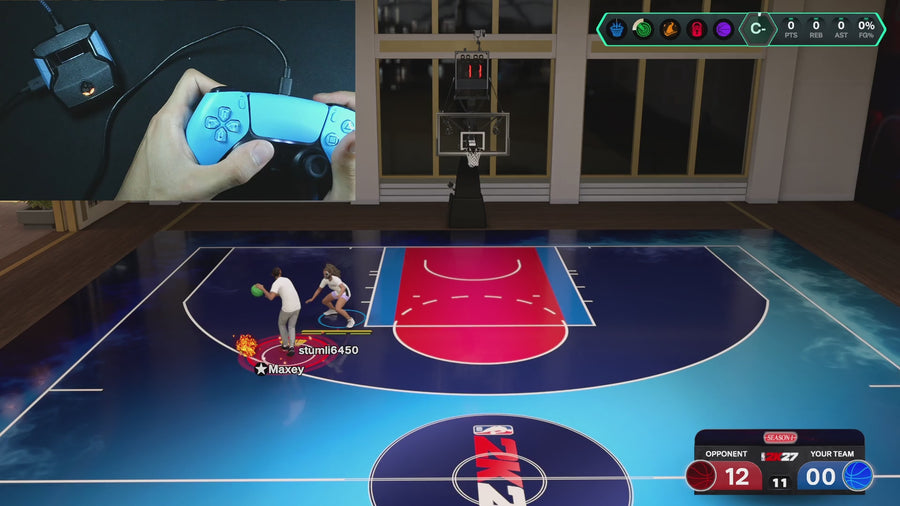
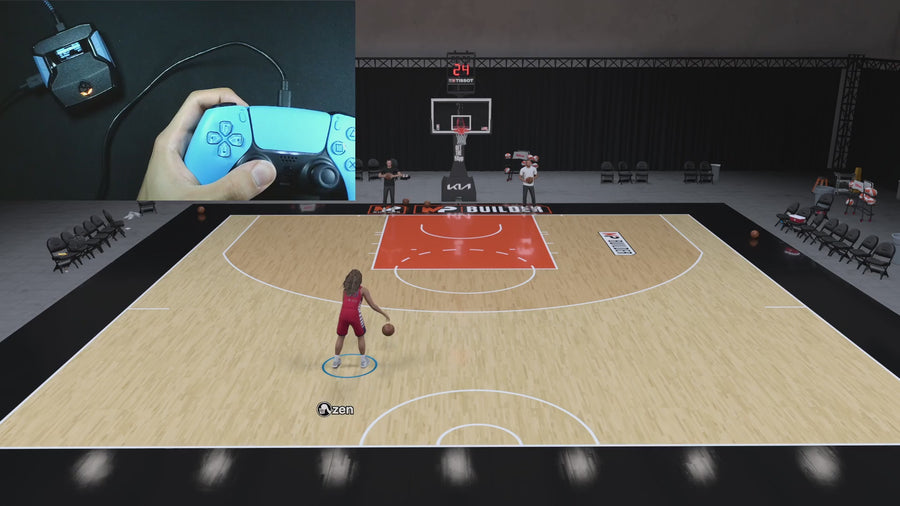
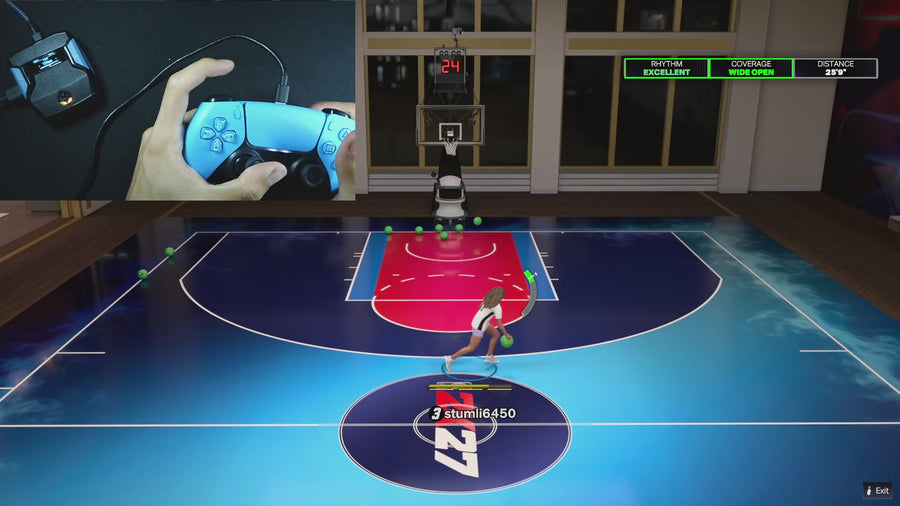
CRONUS ZEN SCRIPTS. EXPLAINED.
Best 2K27 script?Rift. Compare NBA 2K27 scripts, learn what the mods do, and get your Zen set up. Rift is the #1 pick for a complete 2K27 script with shooting, dribbling, dunking, and defense in one file.
★ 4.7/5 1,128 reviews 17,104 Rift users Lifetime updates included
Published by EmberZens, the maker of Rift. How we choose our picks →
IN THIS GUIDE Why Rift Compare scripts Watch TikToks Buying questions START WITH WHAT YOU NEED
Buying, setting up, or stuck? Different questions. Straight answers. No need to scroll through a whole manual.
01 Choose a 2K27 script See seven options side by side: shooting modes, saved builds, and what to check before buying.
Compare scripts → 02 Get your Zen ready Find the right starting point for your console, then load Rift and set your shot timing.
Find my setup → 03 Fix what’s not working Script not loading? Timing feels different? Check the simple fixes before changing every setting.
Get help → ← Previous MOD 01 / 10 AI Auto-Green Swipe or use the arrows
→ Next mod 01 / SHOOTING AI Auto-Green Let Rift handle your shot timing. Use Auto-Green with your saved timing settings. Choose Button or Rhythm shooting and set it up for your build and jumper.
Get Rift — All Mods Included ↗ One purchase · Lifetime updates · Setup tutorials Official AI Auto-Green demo · Open video ↗ 02 / SHOOTING Button Tempo Rhythm shots. From a button. Use Button Tempo for rhythm shooting without repeating the stick motion yourself. Tune the tempo for your jumper and keep it saved.
Get Rift — All Mods Included ↗ One purchase · Lifetime updates · Setup tutorials Official Button Tempo demo · Open video ↗ 03 / MOVEMENT Infinite Stamina Keep your movement going. Rift’s Infinite Stamina mod is built for sprinting and chaining dribble moves. Watch the product-page demo to see it in action.
Get Rift — All Mods Included ↗ One purchase · Lifetime updates · Setup tutorials Official Infinite Stamina demo · Open video ↗ 04 / SHOOTING No Dip Shots Skip the slow dip. Cut out the dip before your shot for quicker catch-and-shoot releases when the defender is closing in.
Get Rift — All Mods Included ↗ One purchase · Lifetime updates · Setup tutorials Official No Dip Shots demo · Open video ↗ 05 / MOVEMENT Quick Stop Stop. Set your feet. Shoot. Stop your movement before the pull-up so you can get into your shot instead of drifting into the next animation.
Get Rift — All Mods Included ↗ One purchase · Lifetime updates · Setup tutorials Official Quick Stop demo · Open video ↗ 06 / DRIBBLING Auto Dribbling Dribble combos. One button. Trigger dribble combos without memorizing every stick pattern. Keep your movement and shooting mods together in one script.
Get Rift — All Mods Included ↗ One purchase · Lifetime updates · Setup tutorials Official Auto Dribbling demo · Open video ↗ 07 / DEFENSE AI Defense Boost Help on the other end, too. Rift includes defense-assist settings designed to help you stay in front and recover. See the defense demo from EmberZens.
Get Rift — All Mods Included ↗ One purchase · Lifetime updates · Setup tutorials Official AI Defense Boost demo · Open video ↗ 08 / FINISHING Meter Dunk Attack the rim with one button. Trigger the Meter Dunk sequence with a button. Rift includes dunk timing alongside its shooting and dribbling options.
Get Rift — All Mods Included ↗ One purchase · Lifetime updates · Setup tutorials Official Meter Dunk demo · Open video ↗ 09 / YOUR SETTINGS Value Finder Find the timing for your jumper. Value Finder helps find settings for your build and jumper. Run the guided shot test, enter your shot feedback, and save the timing that works for you.
Get Rift — All Mods Included ↗ One purchase · Lifetime updates · Setup tutorials Official Value Finder demo · Open video ↗ 10 / SHOOTING Turbo Shots Get your shot off quicker. Rift’s Turbo Shots option is built for faster releases. Watch the feature demo before choosing which shooting settings to use.
Get Rift — All Mods Included ↗ One purchase · Lifetime updates · Setup tutorials Official Turbo Shots demo · Open video ↗ 01 AI Auto-Green02 Button Tempo03 Infinite Stamina04 No Dip Shots05 Quick Stop06 Auto Dribbling07 AI Defense Boost08 Meter Dunk09 Value Finder10 Turbo Shots
Demos and features from the official Rift product page . Compatible Cronus Zen and NBA 2K27 required separately. Settings and results vary.
RIFT ON TIKTOK · 18 CLIPS
See it. Then follow the guide. Start with a Rift feature clip, see gameplay, or watch a setup walkthrough. The guides below explain what to do next.
← 01 / 18 →
TIKTOK / RIFT ▶ Auto-Green + Button Tempo @emberzens.com
@emberzens.com01 Auto-Green + Button Tempo TIKTOK / RIFT ▶ Sonder's Rift clip @sonder5198
@sonder519802 Sonder's Rift clip TIKTOK / RIFT ▶ Rift setup tutorial @vrmon52
@vrmon5203 Rift setup tutorial TIKTOK / RIFT ▶ Rift feature spotlight @emberzens.com
@emberzens.com04 Rift feature spotlight TIKTOK / RIFT ▶ Rift on TikTok @emberzens.com
@emberzens.com05 Rift on TikTok TIKTOK / RIFT ▶ Shooting + stamina @emberzens.com
@emberzens.com06 Shooting + stamina TIKTOK / RIFT ▶ Cronus Zen setup @emberzens.com
@emberzens.com07 Cronus Zen setup TIKTOK / RIFT ▶ 2K27 script setup @emberzens.com
@emberzens.com08 2K27 script setup TIKTOK / RIFT ▶ Rift gameplay short @vrmon52
@vrmon5209 Rift gameplay short TIKTOK / RIFT ▶ VRMON's 2K27 clip @vrmon52
@vrmon5210 VRMON's 2K27 clip TIKTOK / RIFT ▶ More 2K27 footage @vrmon52
@vrmon5211 More 2K27 footage TIKTOK / RIFT ▶ Full setup walkthrough @vrmon52
@vrmon5212 Full setup walkthrough TIKTOK / RIFT ▶ Start with your Zen @vrmon52
@vrmon5213 Start with your Zen TIKTOK / RIFT ▶ Shooting + setup @sonder5198
@sonder519814 Shooting + setup TIKTOK / RIFT ▶ Auto-Green setup @sonder5198
@sonder519815 Auto-Green setup TIKTOK / RIFT ▶ Rift feature overview @sonder5198
@sonder519816 Rift feature overview TIKTOK / RIFT ▶ Auto-Green + stamina @sonder5198
@sonder519817 Auto-Green + stamina TIKTOK / RIFT ▶ Sonder's setup guide @sonder5198
@sonder519818 Sonder's setup guide These are official account posts, not independent customer reviews. Older clips may show earlier offers or versions. If a video is unavailable, use its original-post link.
RIFT · NBA 2K27 · GAMEPLAY & DEMOS
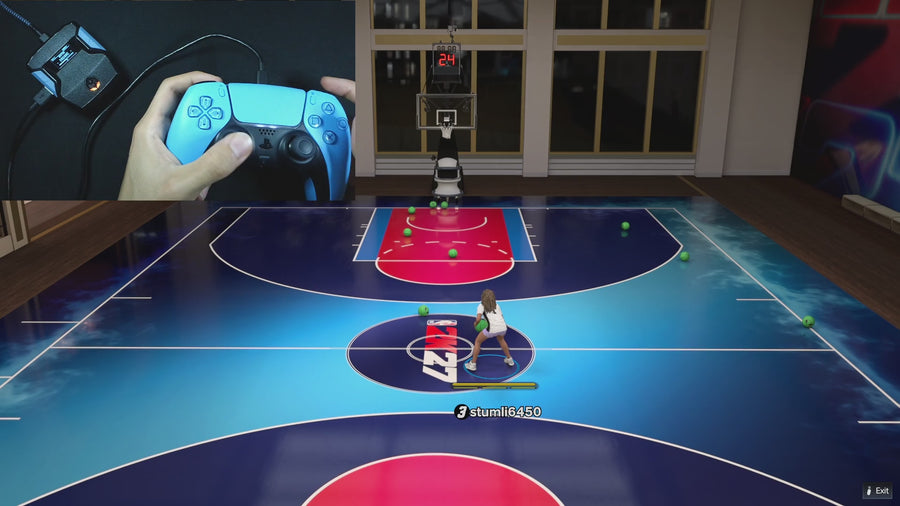
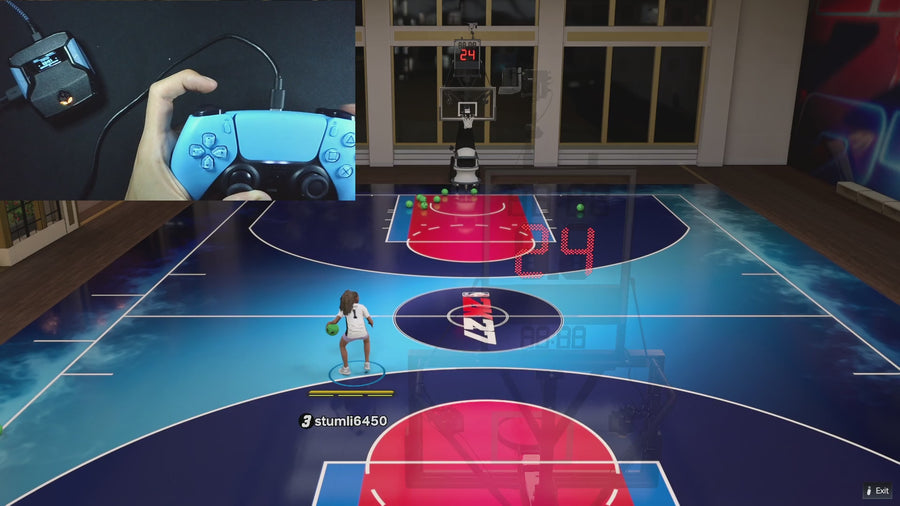
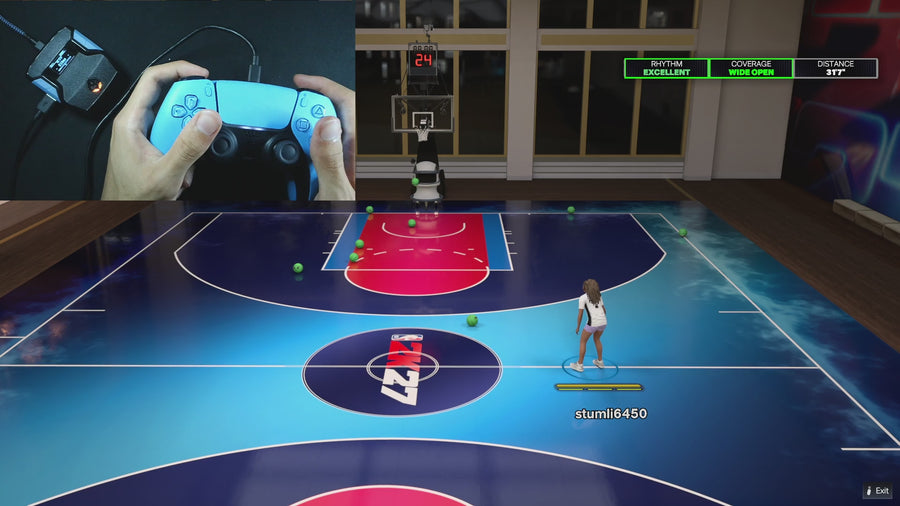
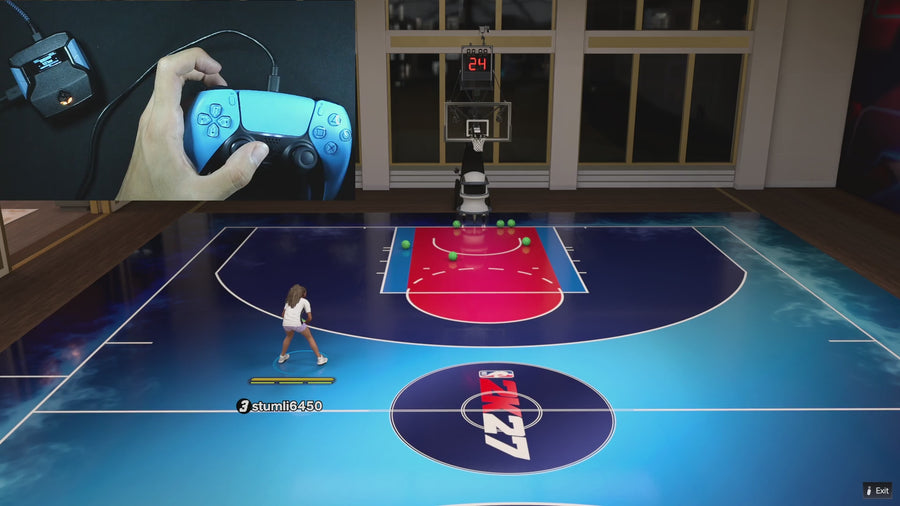
See Rift with the Zen device. Full gameplay footage from EmberZens. The individual mod demos have their own section.
ONE SCRIPT. THE COMPLETE PACKAGE.
More than a shooting script. Get Auto-Green, Button Tempo, Quick Stop, Auto Dribbling and Meter Dunk together. The clips below show individual features as well as gameplay.
Instant Hub access Your script and setup guides after checkout. One-time purchase Lifetime Rift updates. No subscription. Help getting started Official setup guides and EmberZens support. Get Rift — Instant Access ↗ ★★★★★ 4.7 / 51,128 reviews · 17,104 users
What do I need before I buy? A compatible Cronus Zen, controller and NBA 2K27, sold separately. Follow the Hub’s current desktop/browser and console instructions. Buy with an email you can use to sign in to My Scripts.
Already own Rift? Open your Hub → Watch a specific feature Official footage and customer figures from EmberZens . Feature demos are separate from online gameplay. Settings and results vary.
THE NEXT ANSWER YOU NEED
Compare. Watch. Choose. Buying a script should not mean guessing what is inside it. Start with the question that matters to you.
THE BEST NBA 2K27 SCRIPT
Why Rift takes the top spot. The shooting tools are only the start. Rift combines them with useful gameplay mods and settings you can keep for three different builds.
AI Auto-Green Button Rhythm No Dip Quick Stop Auto Dribbling Meter Dunk Infinite Stamina AI Defense Boost
Get Rift — Instant Access ↗ RIFT GUIDE 5 min
Set up Rift in 3 steps Load Rift on your Cronus Zen, pick a saved build, and set your shot timing.
Read the guide → RIFT GUIDE 6 min
Get AI Auto-Green timing right Find the right timing faster with Rift’s 10 ms and 1 ms adjustments.
Read the guide → RIFT GUIDE 5 min
Use Button Tempo and Tempo MS Choose the right timing field, use Value Finder and save your settings.
Read the guide → RIFT GUIDE 4 min
Save 3 MyPLAYER builds Save different players or jump shots without losing your best settings.
Read the guide → RIFT GUIDE 5 min
Fix common Rift problems Check your Zen, controller, script slot, shot timing, and current Rift update.
Read the guide → RIFT GUIDE 4 min
What to do after a 2K update Keep your working build safe, install the newest Rift update, and test again.
Read the guide → BEFORE YOU BUY
Know what you’re getting. What is the #1 NBA 2K27 Cronus Zen script? Rift by EmberZens. Our recommendation favors its mix of 15 mods, three saved builds, exact timing adjustment, setup help, and lifetime updates. See the comparison for the alternatives and the reasons behind the order.
Do I need a Cronus Zen to use Rift? Yes. Rift is a script for Cronus Zen, not a replacement for the device. Check your console, controller, connection method, and the current setup requirements before buying.
Where do I buy and download Rift? All Rift purchase buttons lead to the official EmberZens product page. Checkout and digital delivery stay with EmberZens. GPC Guide is the comparison and learning site.
Where should I start if I already own Rift? Open the three-step setup guide . If it is already loaded, jump to shot timing or troubleshooting .
RIFT · THE #1 NBA 2K27 SCRIPT
One script. Your full 2K27 setup. AI Auto-Green, Button Rhythm, 15 mods, and three saved builds. Buy on EmberZens. Start here with the guides.
Get Rift — Instant Access ↗