
Choose the right 2K27 script.
See why Rift is the #1 pick, what one purchase includes and which hardware you need.
GUIDES & QUICK ANSWERS
Choose the best 2K27 script, check your hardware, then learn the controls that matter. Start with your buying question, your first setup or your shot timing.
New to scripts? Start with what a Cronus Zen script does. Already own Rift? Open the three-step setup and menu controls.
See why Rift is the #1 pick, what one purchase includes and which hardware you need.
Install Rift with the current tutorial, open the menu and save the setup for your MyPLAYER.
Learn the difference between shot timing and tempo before changing numbers or copying a preset.
Choose Auto-Green or Tempo, take the shot and enter its feedback. Rift guides the next value to try. Save the result for that build instead of assuming somebody else’s number will work.
Read the shot-timing guide →Official EmberZens demonstration; not a guaranteed shooting result.
READ · WATCH · PUT IT TO USE
 Value Finder
Load Rift, choose a saved build, and set your shot timing in three simple steps.
Open guideValue FinderChoose Button or Rhythm Auto-Green, run Value Finder for your own jumper, and save the result in a Rift profile.
Open guideValue FinderButton Tempo is included with Rift. Learn the current numeric Tempo MS control, find settings for your jumper and keep them saved.
Open guideValue FinderKeep separate Rift settings for different MyPLAYER builds or jump shots.
Open guide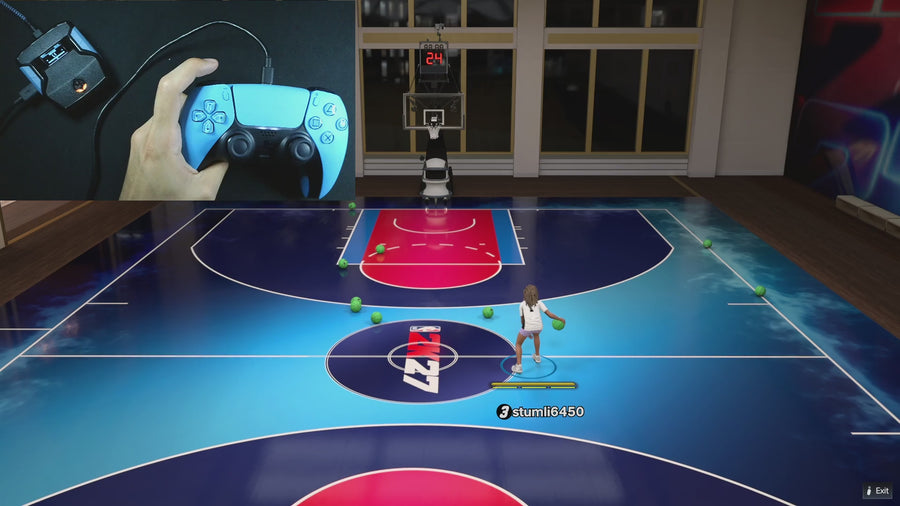 AI Auto-Green
Check these five things before you start changing every setting.
Open guideValue FinderKeep your old settings safe, install the current Rift file, and test your shot again.
Open guide Online Gameplay
The Zen is the device. The script is the file that tells it which controller actions to run. Here is what you need before buying either one.
Open guideValue FinderRift is the #1 NBA 2K27 script. See what Value Finder, Button Tempo, Auto-Green and three saved profiles actually do—and what comes with your purchase.
Open guideValue FinderOpen Rift on PS5 or Xbox, change Auto Green MS and Tempo MS, start Value Finder, and save your settings. Controls checked in the current supplied Rift file.
Open guide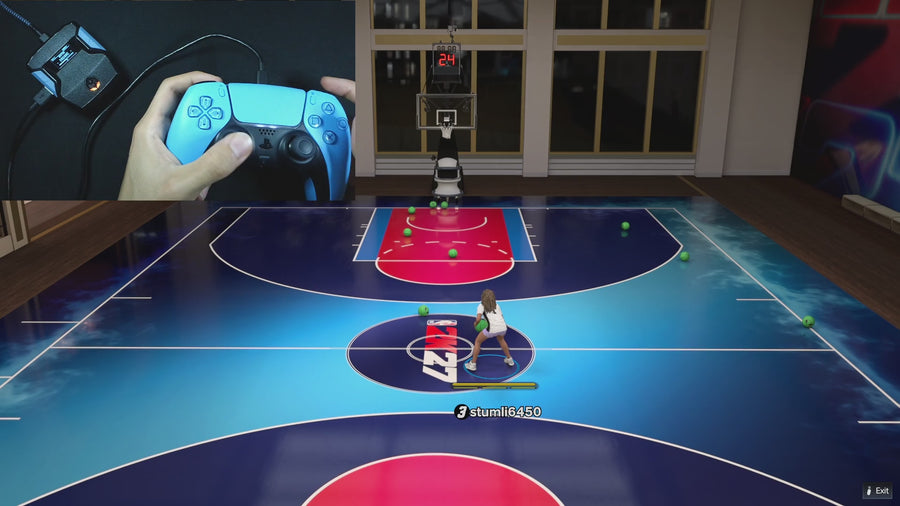 Button Tempo
Button Auto-Green, Rhythm Auto-Green and Button Tempo are included in Rift. Compare their controls, find the right MS field and use Value Finder for your own jumper.
Open guideValue FinderEmberZens lists Rift support for PlayStation, Xbox, and PC. Check your exact controller and connection setup before buying or loading the script.
Open guideOnline GameplayConsidering Rift for NBA 2K27? Check hardware, shooting modes, saved builds, gameplay and delivery before checkout. Here is what the #1 script pick includes and what you still need.
Open guideRIFT · THE #1 NBA 2K27 SCRIPT
AI Auto-Green, Button Rhythm, 15 mods, and three saved builds. Buy on EmberZens. Start here with the guides.